
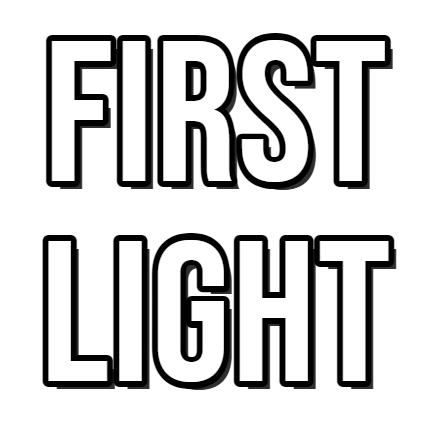
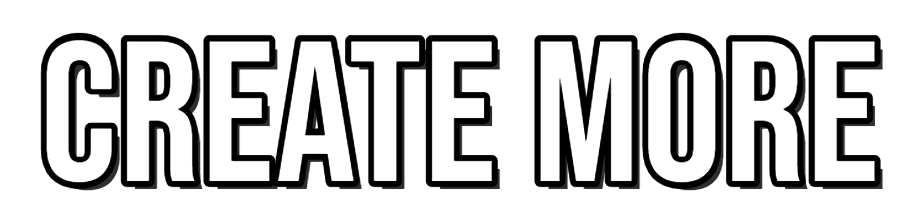
Thumbnail Title
Bold white lettering with a black outline. Use it over a photo or video thumbnail.
Use Thumbnail TitleType your text, choose a font or preset, and download a transparent PNG with no watermark. Add outlines, gradients or shadows for thumbnails, stickers and video overlays.
Make an outlined title in Text to PNG, then place it over your photo. This example uses a wide lake photo with space on the left for two short lines of text.
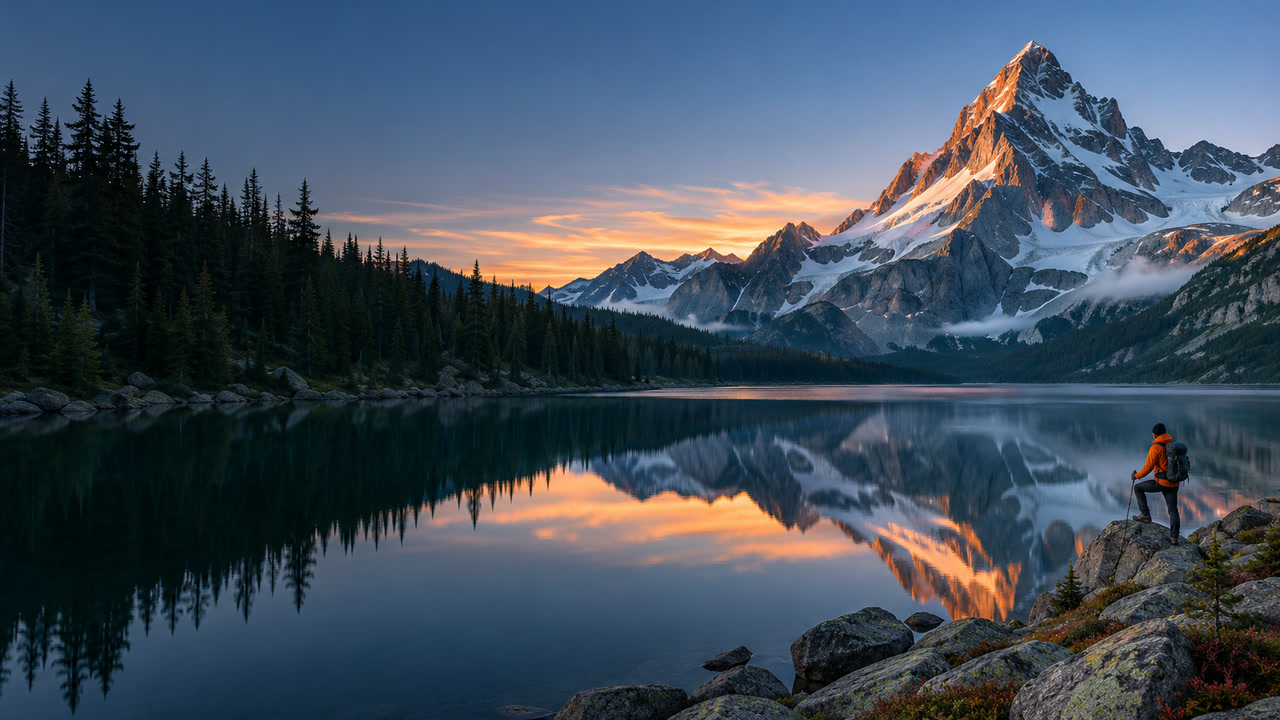
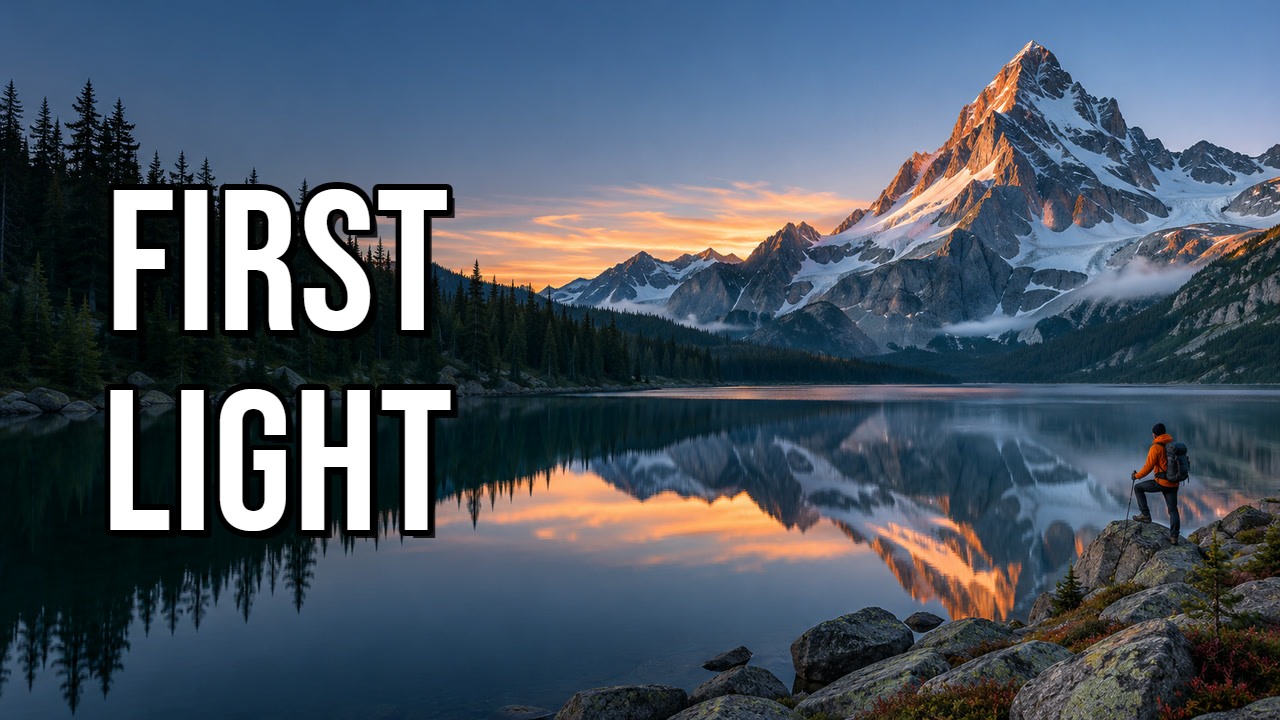
These PNGs were exported from this tool. Choose a style to apply it to your text, then adjust the font size, colors and outline before downloading.
Bold white lettering with a black outline. Use it over a photo or video thumbnail.
Use Thumbnail Title

Bold yellow lettering with dark outlines and an offset shadow for playful titles and stickers.
Use Comic PopThe checkerboard shows transparency and is not part of the PNG. Examples use a larger font size; each style starts with its default settings.
Customize your text exports with ease. Adjust letter spacing, line height, opacity, and choose between solid or gradient fills. Add thick outlines, secondary border frames, and realistic drop shadows without any cropping at the margins.
Use bold display fonts for thumbnails, rounded letters for stickers, or a handwritten script for a name or signature-style graphic. The included fonts use the SIL Open Font License. Your download is a PNG image, ready to layer over another design.
Enter your words, choose a font or preset, then select Download. The PNG keeps the area around your text transparent. The light or dark preview background is only there to help you see the design; it is not included in the file.
Yes. Choose a font in Text Styling, adjust its size and colors, and download your lettering as a transparent PNG. This creates a picture of your text, not a font file to install. Use it as an overlay in an image or video editor.
Try Thumbnail Title for bold lettering with a dark outline, Gold for a warm gradient headline, or Comic Pop for a yellow title with a dark outline and offset shadow. Sticker adds a rounded style and a white border. You can change the text, font and colors after choosing any preset.
The image fits your text, with extra space for outlines and shadows. Increase Font Size in Text Styling for a larger result, or add line breaks for a taller design. The PNG dimensions are included in its downloaded file name.